
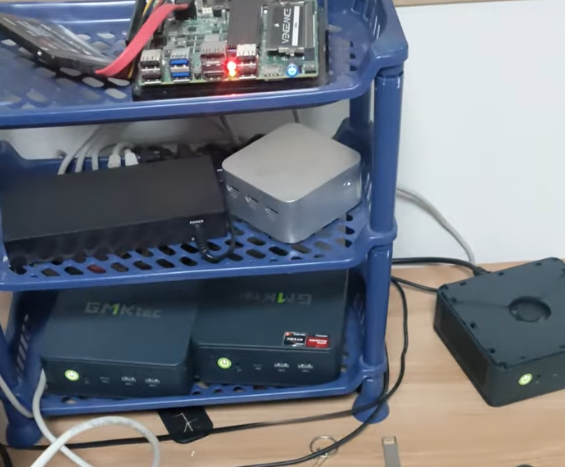
Building a Homelab on a Budget: Series Introduction
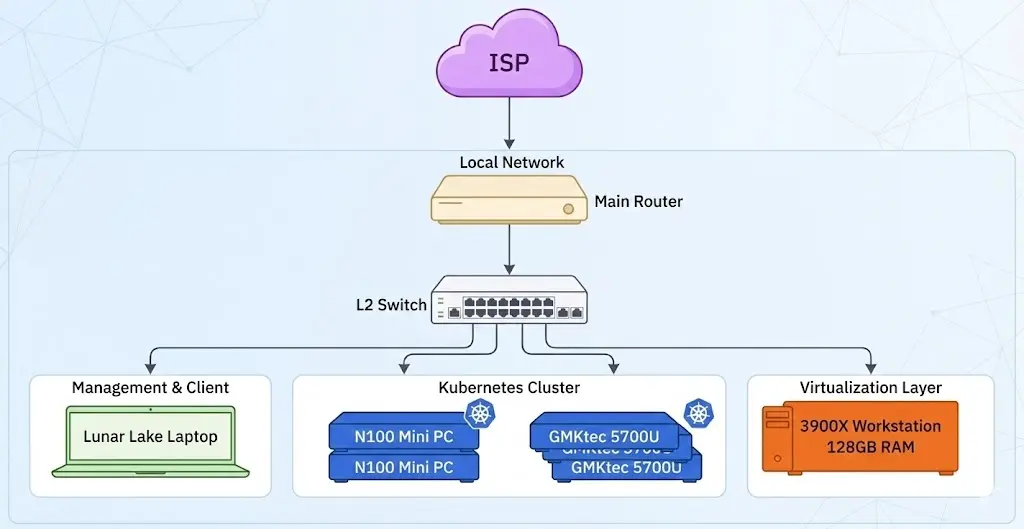
This series is a practical guide to building a reliable homelab without overspending. The focus is hands-on infrastructure skills: networking, storage, automation, and observability. In this intro, I compare three common hardware paths:
- Low-power N100 mini PCs
- A small form factor desktop (DeskMini X600)
- High-end mini PCs (Ryzen 7 8845HS class)
Chinese mini PCs do carry real risks: quality variance, limited warranty, and hard-to-access support. Major brands like ASUS are far safer, but their mini PCs are often dramatically more expensive. If you are not swimming in budget, the value-focused lines below are the ones I still recommend, with eyes open about the trade-offs.
N100 Mini PCs
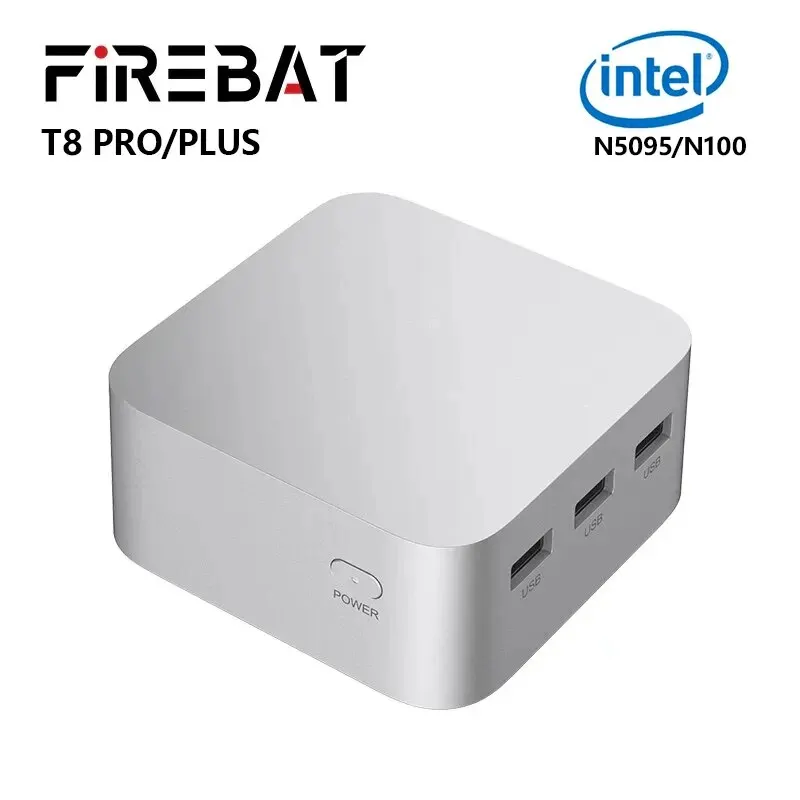
N100 is the best entry point for low power and quiet operation. I typically aim for 16 GB RAM. With deep AliExpress discounts, a node can land around KRW 100,000-120,000 (about USD $75-$90).
Firebat T8 Plus Specs
- CPU: Intel N100 (4C/4T, up to 3.4GHz)
- RAM: LPDDR5 (onboard, non-upgradable)
- Storage: 1x M.2 2242 NVMe (no 2280 support)
- LAN: 2x RJ45 (Realtek 1GbE or 2.5GbE mixed)
- Display: 3x HDMI 2.0 (triple monitor)
- OS: Windows 11 Global
Other N100 Alternatives Beelink S12 Pro
- CPU: Intel N100
- RAM: 1x DDR4-3200 SODIMM
- Storage: 1x M.2 NVMe + 1x 2.5-inch SATA
- LAN: 1x 1GbE (Realtek)
- Notes: Quiet, clean finish, HTPC-friendly
Beelink EQ12
- CPU: Intel N100
- RAM: 1x DDR5-4800 SODIMM
- Storage: 1x M.2 NVMe + 1x 2.5-inch SATA
- LAN: 2x 2.5GbE (Intel i225-V)
- Notes: Dual 2.5GbE, good for router or gateway
GMKtec NucBox G3 / G3 Plus
- CPU: Intel N100 (G3) / Intel N150 (G3 Plus)


