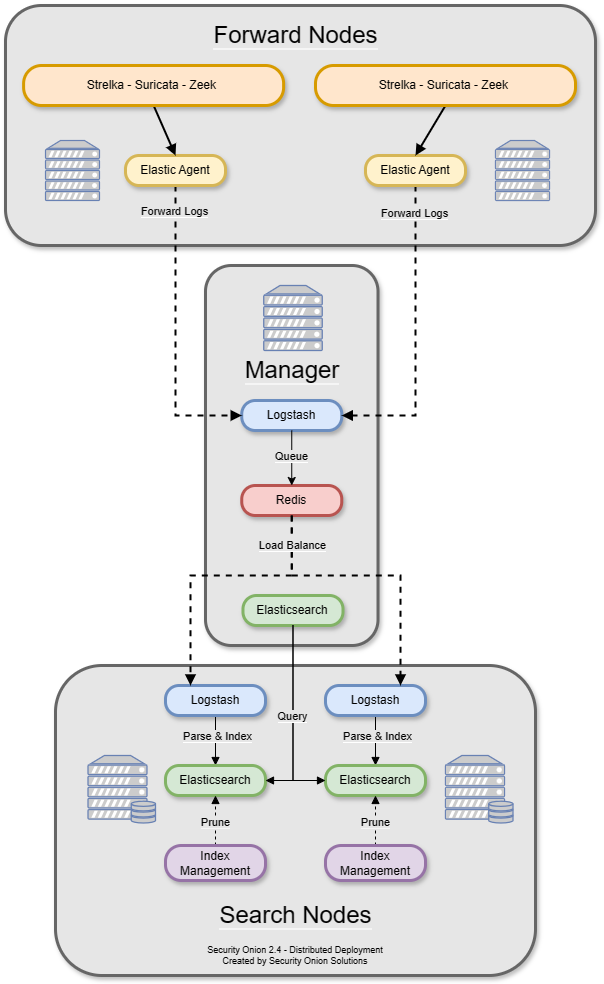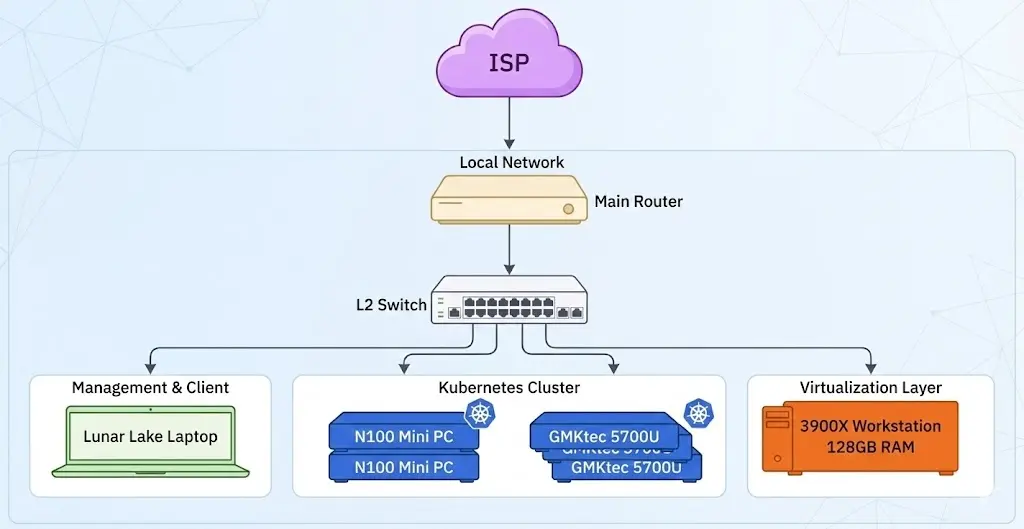

Goal Turn pfSense from “basic router” into a lab-grade security edge: hardened management, segmented networks, policy routing, IDS/IPS, DNS controls, and observability.
Assumes You already built Part 2 (Proxmox + OVS + pfSense + Security Onion). This part focuses on advanced pfSense configuration inside that lab.
1) Hardening the management plane
- Move the web UI to management VLAN only (no access from user VLANs).
- Disable the default “anti-lockout” WAN rule and restrict admin UI to a mgmt IP alias.
- Enforce TLS-only UI, strong admin password, and 2FA (TOTP).
- Enable periodic config backups (AutoConfigBackup or offline snapshots).
Management rule model
MGMT_VLAN → pfSense UI(allow)USER_VLAN → pfSense UI(deny)WAN → pfSense UI(deny)
2) Segmentation patterns (VLANs + DMZ)
Add a DMZ and isolate your offensive boxes from “user” and “infra.”
flowchart LR
  WAN((Internet)) --> PF[pfSense]
  PF --> VLAN10[Users VLAN10]
  PF --> VLAN20[Infra VLAN20]
  PF --> VLAN30[Security Lab VLAN30]
  PF --> DMZ[DMZ VLAN40]
  VLAN30 --> Kali[Kali/Attack]
  VLAN20 --> SO[Security Onion]
  DMZ --> Web[Target VM]
Rule design
- Default deny inter‑VLAN.
- Allow VLAN20 → VLAN30 only for log collection.
- Allow VLAN10 → WAN only (no lateral movement).
- Allow VLAN30 → DMZ only for controlled tests.
3) Firewall rules: aliases + layered policy
Use aliases to keep rules maintainable:
ALIAS_MGMT_HOSTS,ALIAS_LAB_TARGETS,ALIAS_DNS_UPSTREAMS